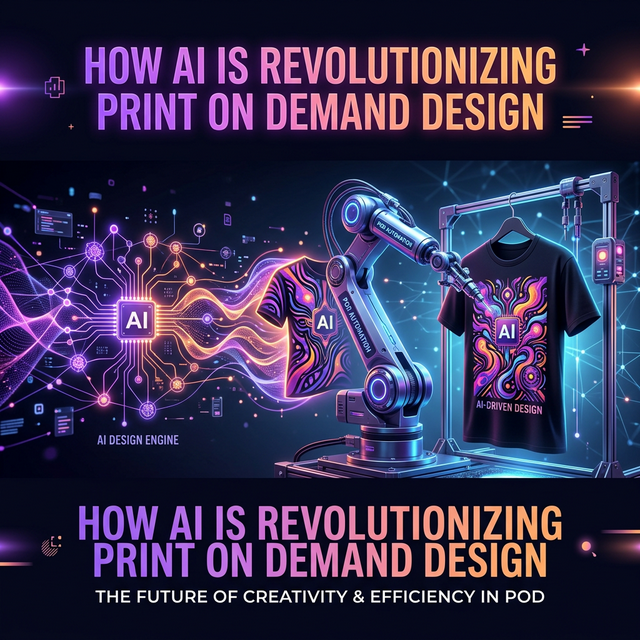
How AI Is Revolutionizing Print on Demand Design
Artificial intelligence has fundamentally changed how print-on-demand sellers create and sell designs. In 2026, 73% of top-performing Merch sellers use at least one AI tool in their workflow, according to POD industry data.
The Old Way vs. The AI Way
Traditional workflow (2-4 hours per design):
- Manual niche research on Amazon
- Sketch design ideas
- Create in Photoshop/Illustrator
- Remove background manually
- Write listing copy
- Upload one-by-one
AI-powered workflow (15-30 minutes per design):
- AI scans BSR data for winning niches
- AI analyzes what makes top designs sell
- AI generates unique, print-ready artwork
- AI removes background automatically
- AI writes optimized listing copy
- Auto-upload via Chrome extension
Best AI Tools for Print on Demand
| Tool | What It Does | Best For |
|---|---|---|
| AccessSpy | Full pipeline: research → analyze → generate → upload | All-in-one automation |
| Midjourney | AI image generation | High-quality complex art |
| DALL-E 3 | Text-to-image generation | Quick concept art |
| Canva AI | Template-based design with AI | Simple text-based designs |
| ChatGPT | Idea generation, listing copy | Brainstorming & copywriting |
How AccessSpy Uses AI Differently
While most tools use AI for just one step, AccessSpy chains multiple AI models together:
- Google Gemini AI — Analyzes winning designs to understand why they sell (color psychology, layout, text placement)
- Flux on Replicate — Generates unique, print-ready artwork based on the analysis
- NanoBananas API — Removes backgrounds automatically
- SEO Engine — Generates optimized titles, tags, and descriptions
This "AI pipeline" approach means you go from keyword to uploaded design in minutes, not hours.
Tips for Using AI in POD
- Always customize AI output — Don't upload raw AI generations; add your personal touch
- Check for trademark issues — AI doesn't know what's trademarked
- A/B test designs — Generate multiple variations and see what sells
- Focus on niches — AI works best when given specific, niche-focused prompts