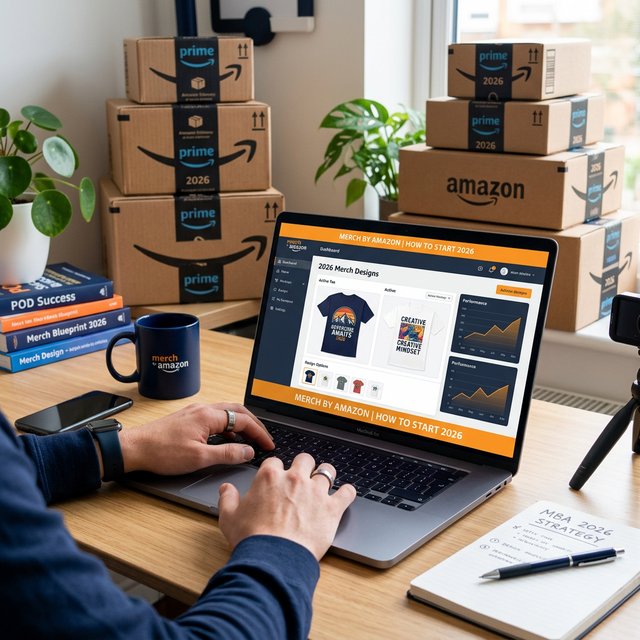
How to Start Merch by Amazon in 2026
Merch by Amazon (now called Merch on Demand) is one of the easiest ways to start a print-on-demand business. You design, Amazon prints and ships. Over 1 million sellers use the platform, generating billions in annual revenue. Here's exactly how to get started.
Step 1: Apply for an Account
Merch by Amazon is invitation-only. Here's how to increase your approval odds:
- Visit [merch.amazon.com](https://merch.amazon.com) and click "Request Invitation"
- Use a professional email (not a disposable one)
- State your business type as "Novelty T-shirt Business"
- Link to an online portfolio if you have one
- Demonstrate understanding of copyright and trademark policies
Approval timeline: Typically 2 weeks to 3 months. If denied, you can reapply with a new email.
Step 2: Understand the Tier System
You start at Tier 10 — meaning you can have 10 live designs. Here's the progression:
| Tier | Slots | How to Advance |
|---|---|---|
| 10 | 10 | Fill 80% of slots + make sales |
| 25 | 25 | Consistent sales + good standing |
| 100 | 100 | Organic growth |
| 500 | 500 | Strong sales history |
| 1,000+ | 1,000+ | Top-tier sellers |
Pro tip: Fill all your design slots immediately. Empty slots can't generate sales. According to Amazon's algorithm data, new uploads receive a temporary visibility boost in the first 48 hours.
Step 3: Research Before You Design
The biggest mistake beginners make is designing without researching. Use Amazon BSR (Best Seller Rank) data to find niches with demand but low competition.
Tools for research:
- AccessSpy — AI-powered BSR scanner with niche analysis (free plan available)
- Merch Informer — Keyword and niche research
- Merch Dominator — Trend analysis
Step 4: Create Your Designs
Your designs need to be:
- 4500 x 5400 pixels for standard t-shirts
- 300 DPI resolution
- RGB color mode
- PNG format with transparent background
- Under 25MB file size
Step 5: Optimize Your Listings
Your listing is your SEO. Every word matters:
- Title: Include your primary keyword naturally
- Brand: Use an actual brand name, not keywords
- Bullet Points: Describe the design AND use secondary keywords
- Description: Tell a story, include long-tail keywords
Common Beginner Mistakes
- Copying existing designs — Amazon will terminate your account
- Ignoring trademarks — Always check before uploading
- Pricing too high — Start at $13.99–$15.99 for t-shirts
- Not rotating designs — Delete non-sellers after 4–6 weeks
Getting Started With AI Tools
In 2026, AI tools like AccessSpy can automate most of the workflow:
- Research winning products automatically
- Reverse-engineer what makes top designs sell
- Generate unique artwork with AI
- Auto-upload to your Merch dashboard