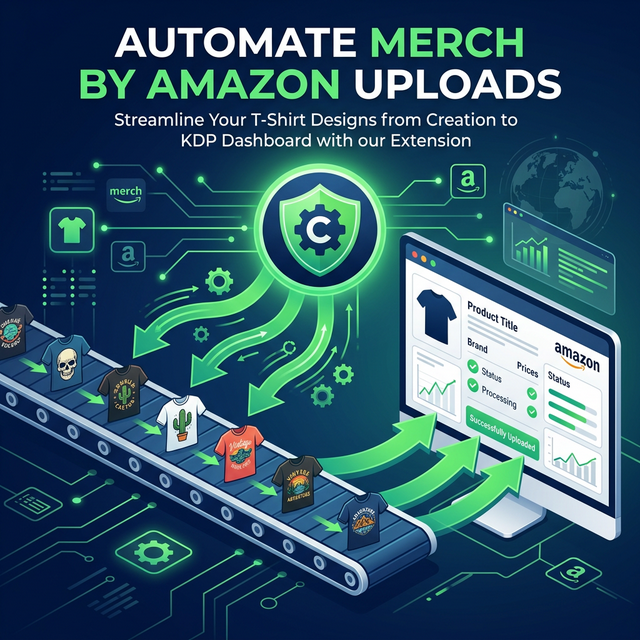
How to Automate Merch by Amazon Uploads
Manual uploads are the biggest time-killer for Merch sellers. At higher tiers, you might have 500+ design slots to fill. Uploading one-by-one takes minutes per design — that's 40+ hours of pure uploading. Here's how to automate it.
Why Upload Automation Matters
According to productivity data from top Merch sellers:
- Manual upload: 3-5 minutes per design
- Automated upload: 30-60 seconds per design
- At 100 designs/week: You save 4-7 hours per week
Automation Tools Compared
| Tool | Method | Platforms | Price |
|---|---|---|---|
| AccessSpy | Chrome Extension | Merch by Amazon | $0–$99/mo |
| Flying Upload | Desktop App | Merch, Redbubble, TeePublic+ | $10–15/mo |
| Merch Titans | Desktop App | Merch, Redbubble, Spreadshirt+ | $10–30/mo |
| LazyMerch | Desktop App | Merch by Amazon | $10/mo |
The AccessSpy Approach
AccessSpy's Chrome extension integrates directly with your Merch by Amazon dashboard:
- Generate designs in AccessSpy's web app
- Review and approve in the Kanban pipeline
- Click "Upload" — the Chrome extension fills in your Merch dashboard automatically
- AI-generated titles, tags, and descriptions are pre-filled
The key difference: other tools only handle uploads. AccessSpy handles the entire pipeline from research to upload.
Tips for Efficient Uploading
- Batch your work — Generate 10-20 designs, then upload all at once
- Pre-write your listings — Have SEO-optimized copy ready before uploading
- Use templates — Create brand and bullet point templates you reuse
- Upload during off-peak hours — Amazon's servers are faster late at night